Print on demand integrations
Connect Shopify, Etsy, WooCommerce or Wix to JetPrint and start selling print on demand products without holding inventory.
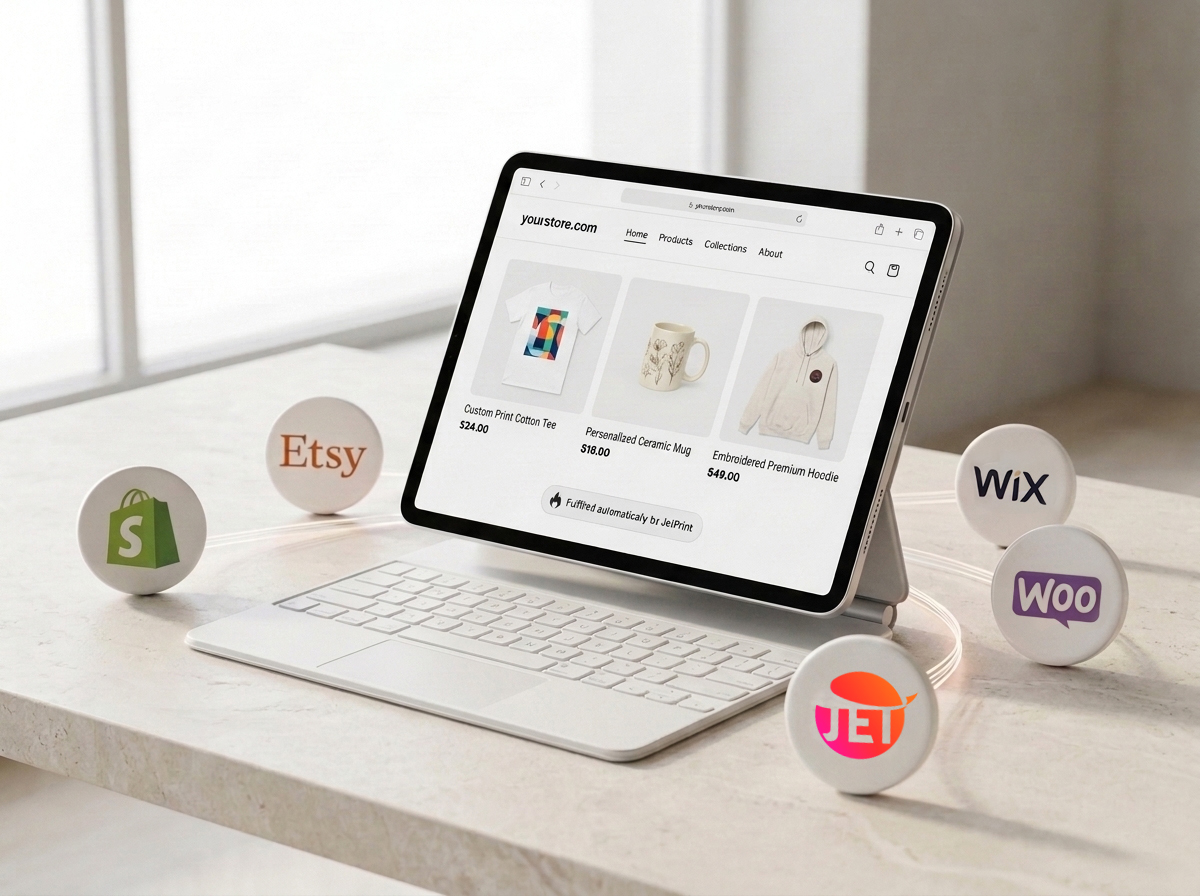
Connect Shopify, Etsy, WooCommerce or Wix to JetPrint and start selling print on demand products without holding inventory.

Connect your Shopify store in minutes and publish products straight into your catalog. Once a customer buys, JetPrint produces the item in our own factory and ships it worldwide under your brand, with tracking synced back to Shopify automatically. The Shopify integration guide covers setup steps and supported features.

Sync JetPrint with your Etsy shop to list print on demand products alongside your handmade catalog. Orders placed through Etsy route into JetPrint for production, and tracking numbers flow back to the order automatically so buyers stay updated. The Etsy integration guide covers store limits and listing tips.

Install the JetPrint plugin on your WordPress and WooCommerce store to publish products, keep stock status current and route orders into production without leaving your dashboard. Retail price and description edits made in JetPrint sync back to your store. The WooCommerce integration guide walks through setup.
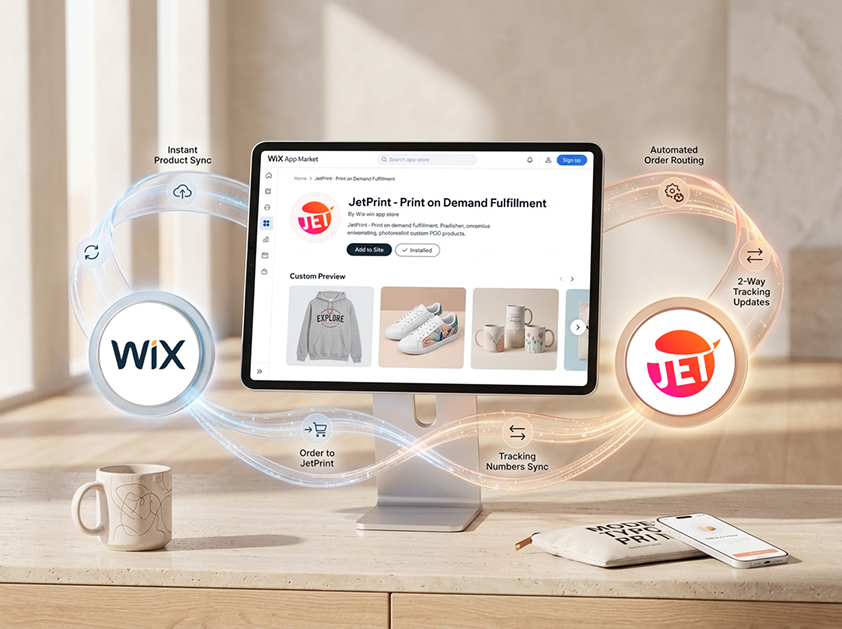
Add the JetPrint app from the Wix App Market to publish print on demand products on your Wix store. Orders sync into JetPrint the moment a customer checks out, and tracking updates flow back to Wix in both directions. The Wix integration guide has the full walkthrough.
Connecting a store to JetPrint takes four steps: pick your platform, authorize access from your store's admin, publish a product, and let orders sync automatically from then on. Most sellers finish the setup in under five minutes without contacting support.
In the JetPrint app, go to Integrations and choose the platform you use: Shopify, Etsy, WooCommerce or Wix. Each one has its own one-click connection flow, the same process outlined in our how it works guide.
Log into your store's admin panel when prompted and approve JetPrint's access. This is the same permission screen your platform shows for any other app or plugin.
Choose a product in JetPrint, design it, and publish. It appears in your connected store's catalog automatically, ready for customers to buy.
From here, every order placed on your store pushes into JetPrint for production, and tracking numbers sync back the moment a package ships.
Printful, Printify and Gelato route orders to a network of print partners around the world, which gives sellers a wide supplier choice. JetPrint takes a different approach: every order is produced in one factory we have operated since 2017, which lets us offer categories those networks rarely carry.
| JetPrint | Printful, Printify & Gelato | |
|---|---|---|
| Manufacturing | Owns and runs its own factory since 2017 | Routes orders to a network of independent print partners |
| Embroidered shoes | Embroidered directly on the upper before the shoe is assembled | Not a standard catalog category |
| Watches | Custom watch faces in the product catalog | Not a standard catalog category |
| Custom shoe boxes | Branded shoe boxes available for white label orders | Varies by print partner, not guaranteed |
| Minimum order | None, on any product | None on most products, same as JetPrint |
Neither model is better across the board. A print partner network can offer more warehouse locations near a given customer, while a single factory model gives tighter quality control on specialty categories like embroidery and footwear. For a fuller side by side on pricing and catalog size, read our Printful alternatives comparison.
Open the JetPrint app, choose Shopify from the integrations list and approve the connection from your Shopify admin. Products you publish in JetPrint appear in your Shopify catalog within minutes, and customer orders sync back automatically for production.
Yes. A single JetPrint account can connect multiple stores across Shopify, Etsy, WooCommerce and Wix at the same time, including more than one store on the same platform. Orders from every connected store route into one production queue.
Once an integration is connected, new orders push into JetPrint automatically the moment a customer buys. JetPrint updates the order with a tracking number as soon as it ships, and that status syncs back to your store without manual entry.
No. Connecting Shopify, Etsy, WooCommerce or Wix to JetPrint is free, with no monthly integration fee and no minimum order. You only pay the product price and shipping once an order is placed.
Shopify and WooCommerce suit sellers building a dedicated storefront, Etsy works well for reaching an existing marketplace audience, and Wix suits sellers who already built a site there. All four sync orders and tracking the same way, so the choice comes down to where you already sell.
Disconnecting a store stops new orders from syncing, but products already published and orders already placed are not affected. You can reconnect the same platform at any time without losing your product catalog in JetPrint.
Free to start. Integrates with Shopify, Etsy, WooCommerce and Wix. No minimums, no setup fees.
Start free