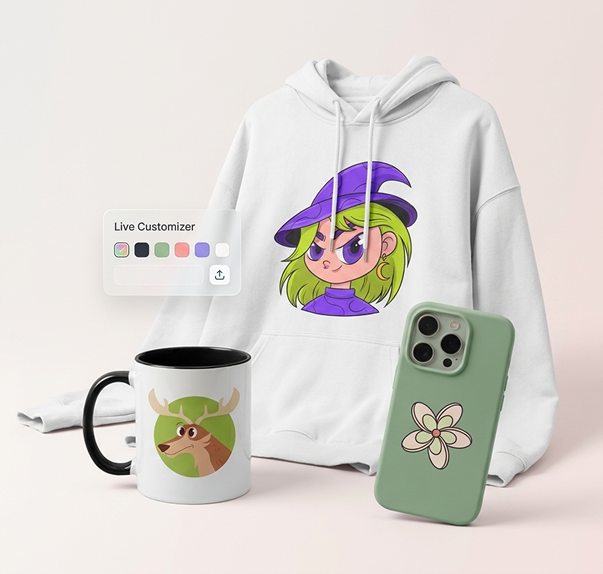
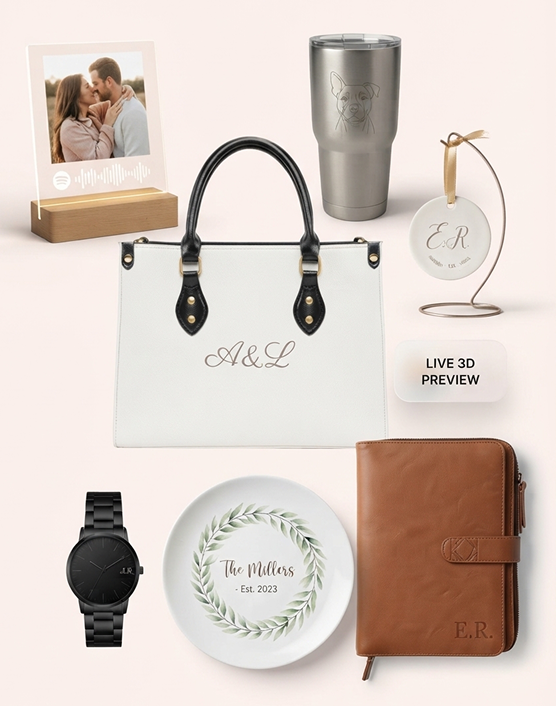
Start Your Personalized POD Business with Teeinblue
Bring new life to your print-on-demand business by uploading our products to Teeinblue for personalized designs. Then, sell them and let your customers enjoy the customization process.
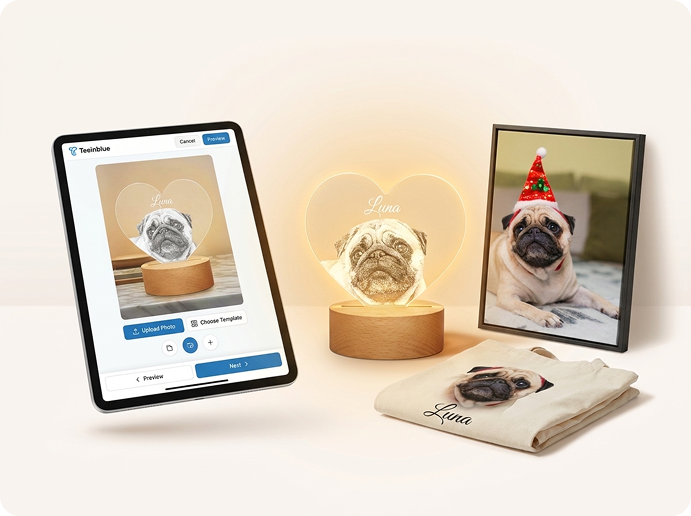
Bring new life to your print-on-demand business by uploading our products to Teeinblue for personalized designs. Then, sell them and let your customers enjoy the customization process.
Teeinblue is a product personalization tool for Shopify that lets you easily create unlimited customized products, allowing your customers to personalize their own items.
With Teeinblue, you have the freedom to create the product you envision. Their design editor allows you to easily drag and drop elements to customize your design.
Teeinblue connects you to a vast network of suppliers, ensuring you have access to high-quality products. They offer API integration and CSV template support for easy management.
Teeinblue offers limitless personalization options for your products. Whether it’s text, cartoon characters, photos, or more, there’s no cap on how many you can add.
Easily upload PSD files to their design editor. If you’re proficient in Photoshop, this is great news for you!
Manually import JetPrint products into Teeinblue.
Design the product in Teeinblue and publish it to your Shopify store.
When there is an order, select the order you want to export.
Click “CSV Export” and choose JetPrint from the template selection.
After exporting, review the order for any issues. If there are any, you can edit the form.
Go to the JetPrint order page, click “Teeinblue lmport,” and upload the corrected CSV file.
Pay for the imported order in JetPrint.